Still Image#
Configuration TOML#
[observation]
location = "Toronto"  # string for address lookup, or [latitude, longitude]
date     = 2025-03-21 # YYYY-MM-DD
time     = 20:30:15   # HH:MM:SS.ssss

# use any combination of XXX.degrees, XXX.arcminutes, XXX.arcseconds here
viewing-radius.degrees = 60

altitude.degrees    = 38
altitude.arcminutes = 27
altitude.arcseconds = 120

azimuth.degrees    = 50.3
azimuth.arcseconds = 40

[image]
# file save location, relative to the working directory of the calling shell
filename = "SkySim.png"


# see the `default.toml` file in the `skysim` directory for more configuration
# options anything placed in the configuration file passed on the command line
# will override the values from `default.toml`.
Command and Output#
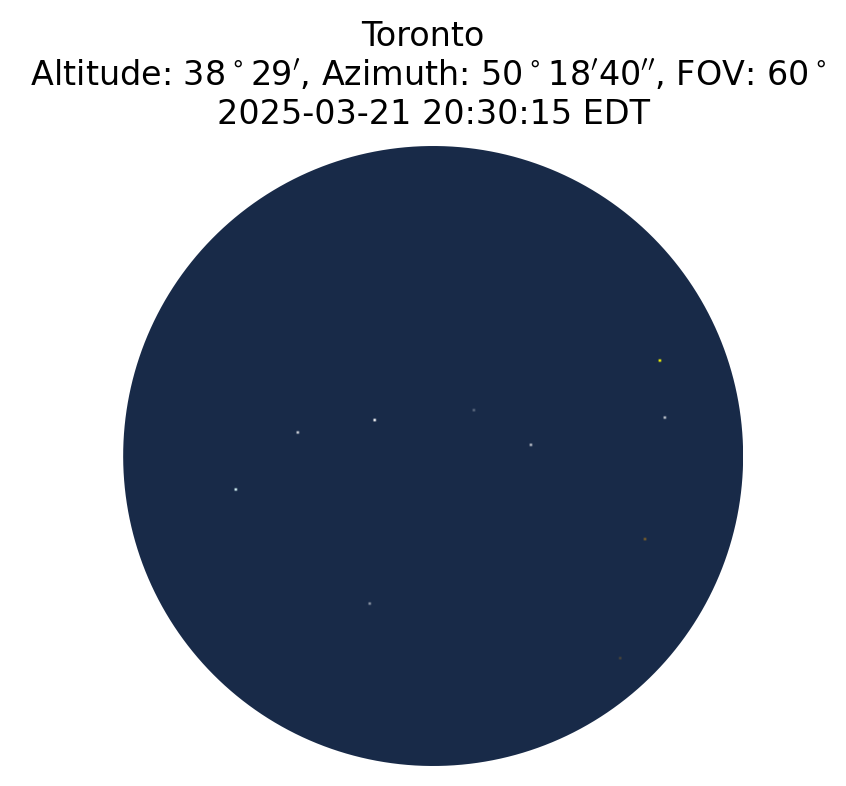
Assuming the above TOML file (available in the examples
directory) has been
saved in the current directory as
still_image.toml, you can then run poetry run skysim still_image.toml,
which produces the below image.